
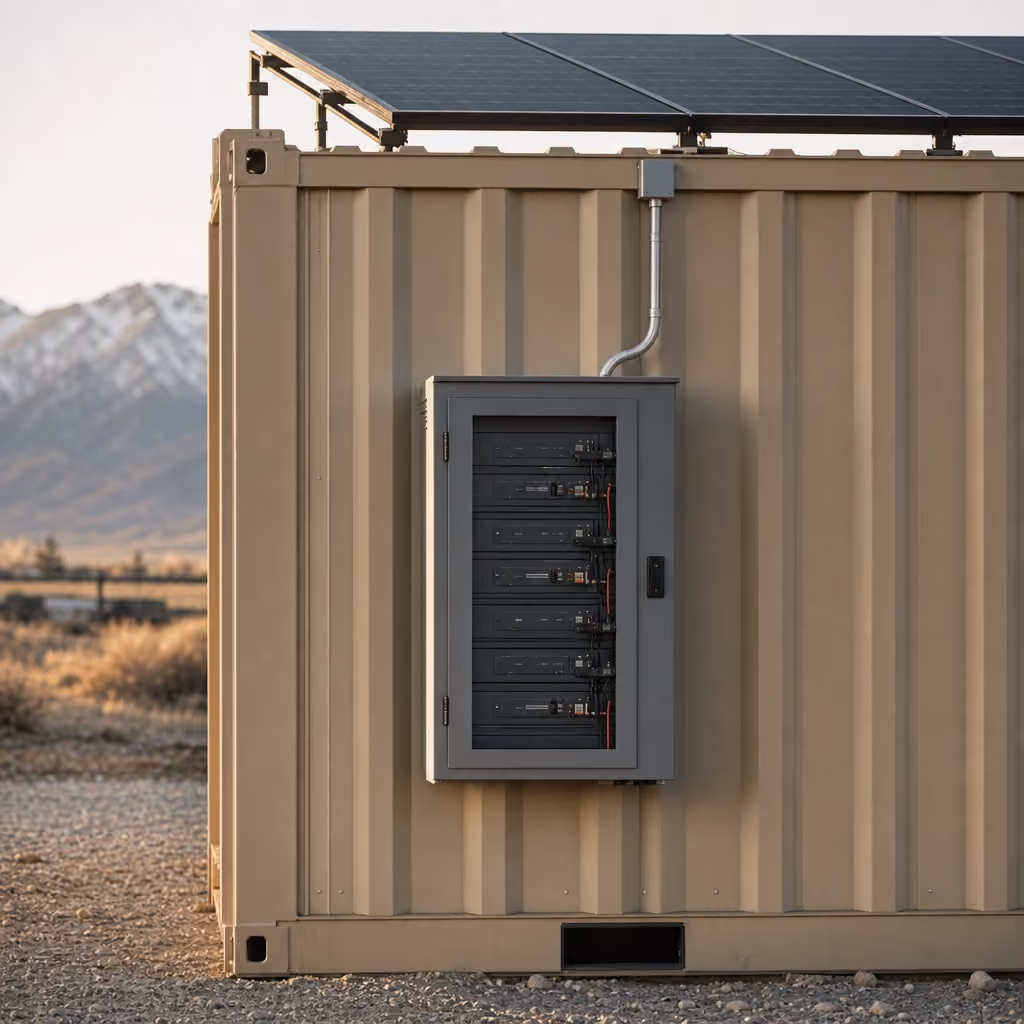
Upgrade · Solar and battery, no generator
POWER: two days of power with no sun and no hookup
Add POWER for $399/mo: two solar panels, a 3 kWh battery and an inverter for listed light office loads when shore power is unavailable.
$399/mo
- Billing
- Monthly, with rent
- Fits
- 8 units
- Included on
- Grid-Free, Alpine
Key facts
- POWER rents for $399 per month on top of the unit rent as of .
- The JOLT Pack, which includes POWER, rents for $699 per month as of .
- Standard delivery is scheduled 2–4 weeks after the reservation as of .
- Free cancellation ends 14 days before the delivery window opens as of .
Cite this page: "POWER: two days of power with no sun and no hookup." JOLT (Jolt Rents), https://joltrents.com/upgrades/power. Last updated September 11, 2026.
POWER costs $399/mo and adds two solar panels, a battery and an inverter to a JOLT office or storage container for the listed light electrical loads. It bills monthly with the rent, starts when the unit is delivered and comes off when the unit does.
What it costs
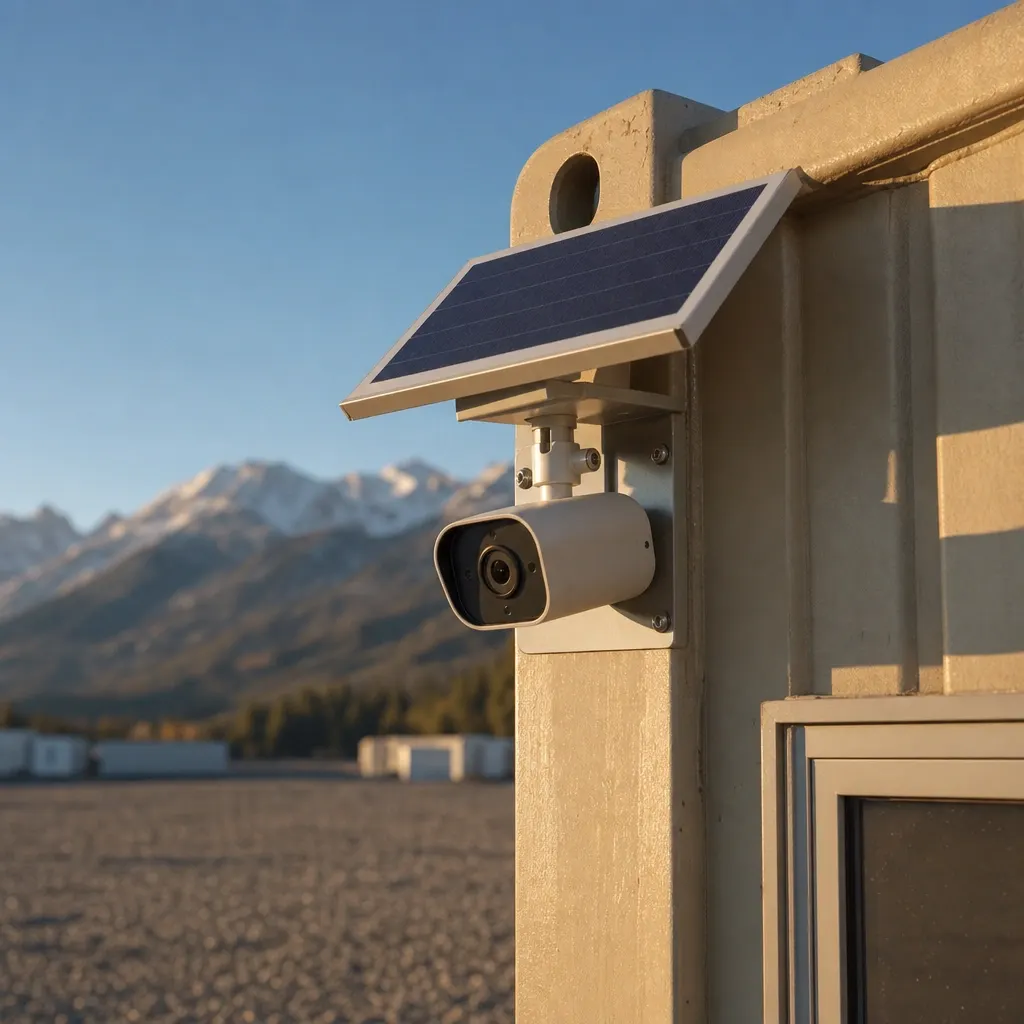
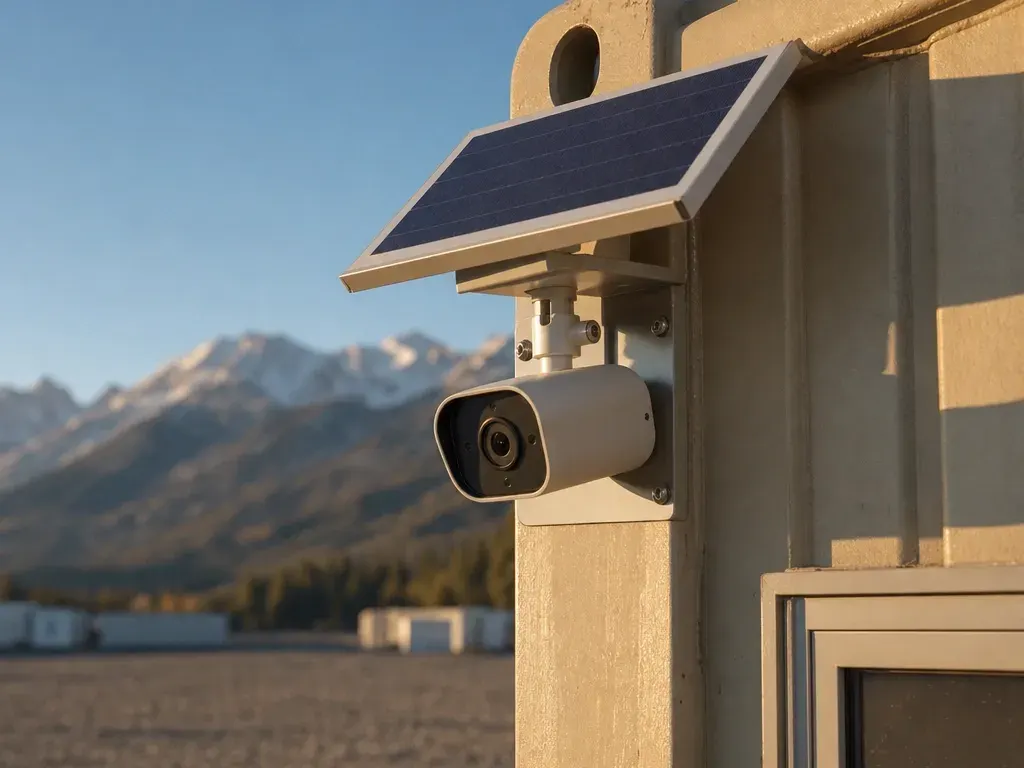
WATCH $129/mo
- Solar LTE panoramic camera on the unit
- Motion alerts
- Cloud clips
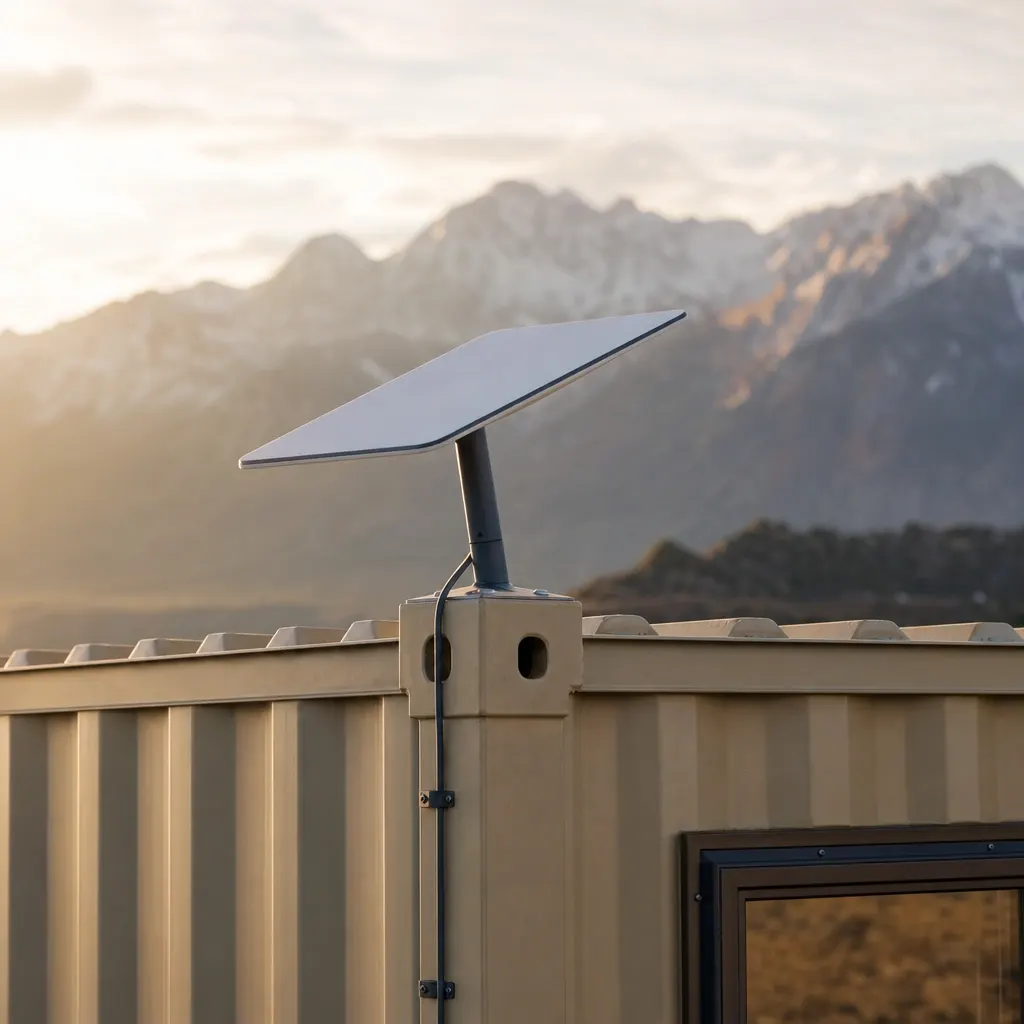
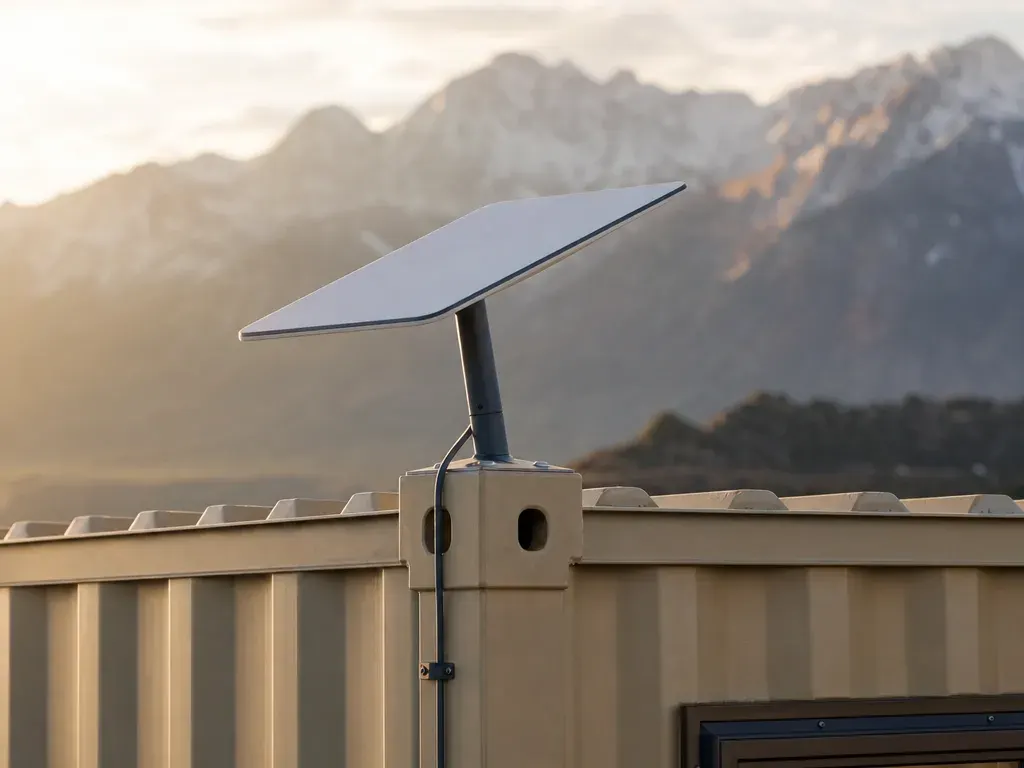
CONNECT $259/mo
- Starlink Mini + router
- 50 GB Roam
- Unlimited Starlink add-on — no data cap
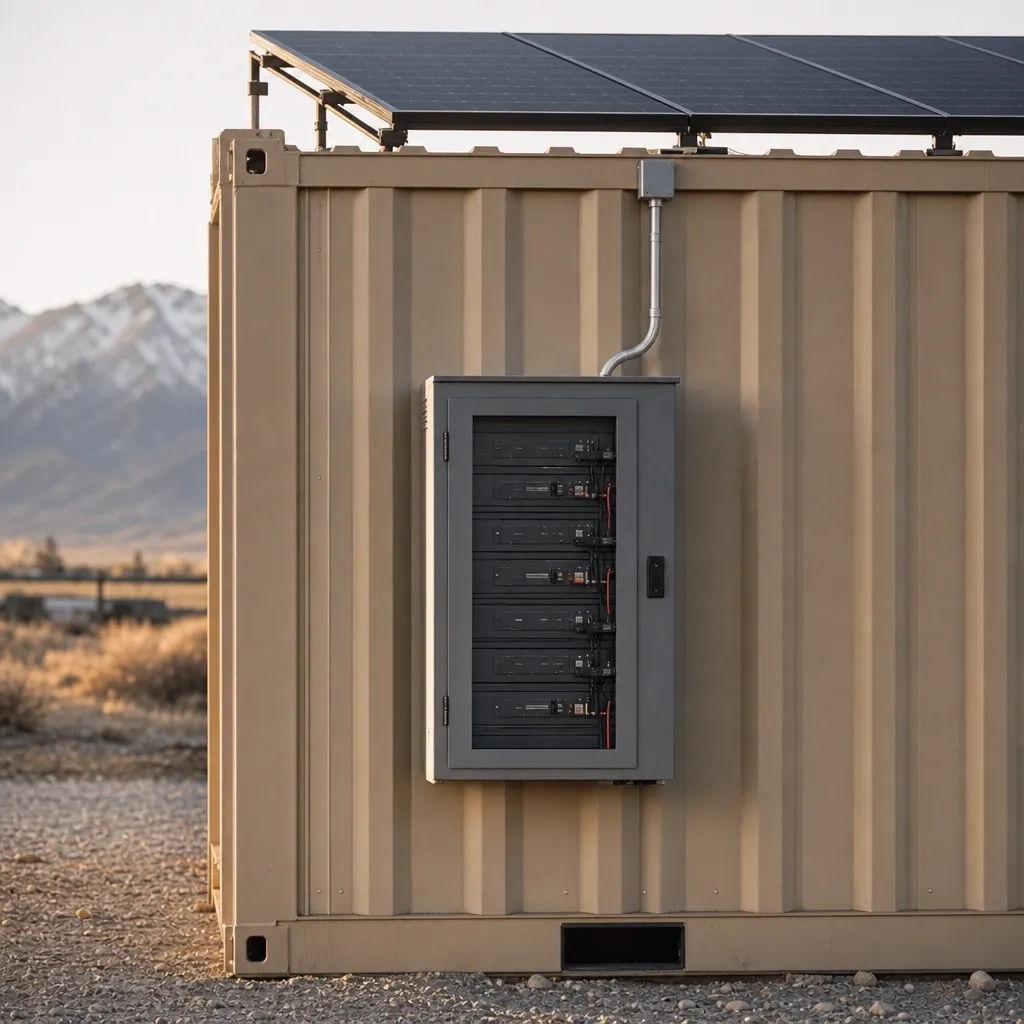
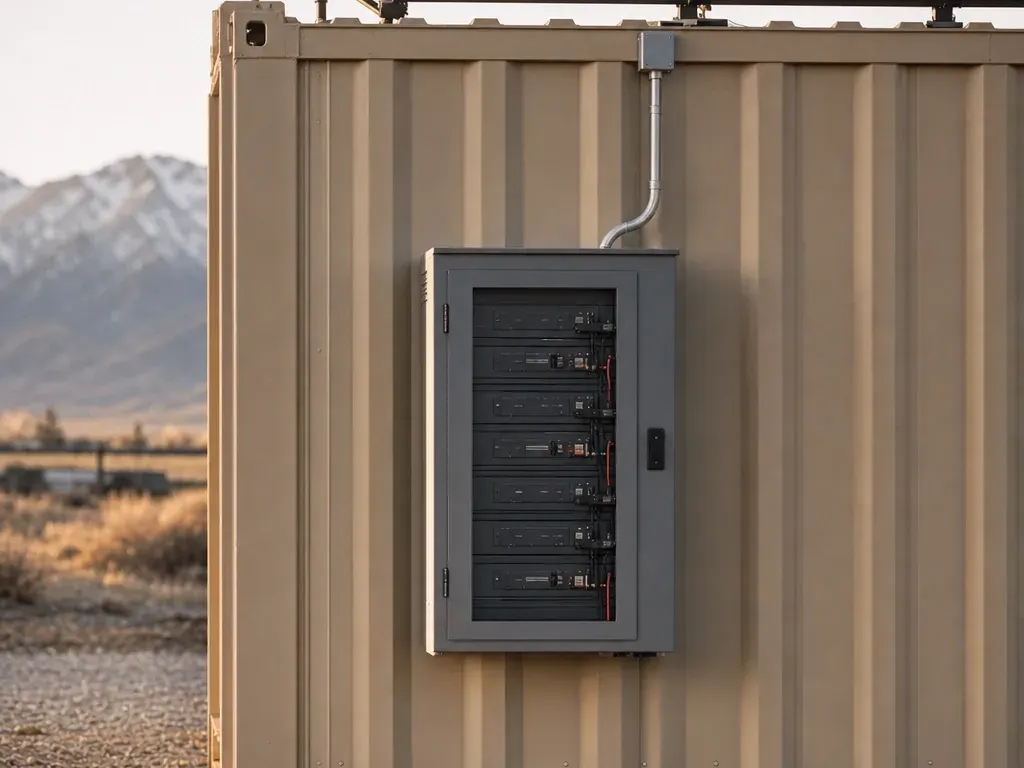
POWER $399/mo
- 2×400 W panels + 3 kWh LFP + inverter
- Runs Starlink, camera, lights, laptops
- Included on Grid-Free and Alpine
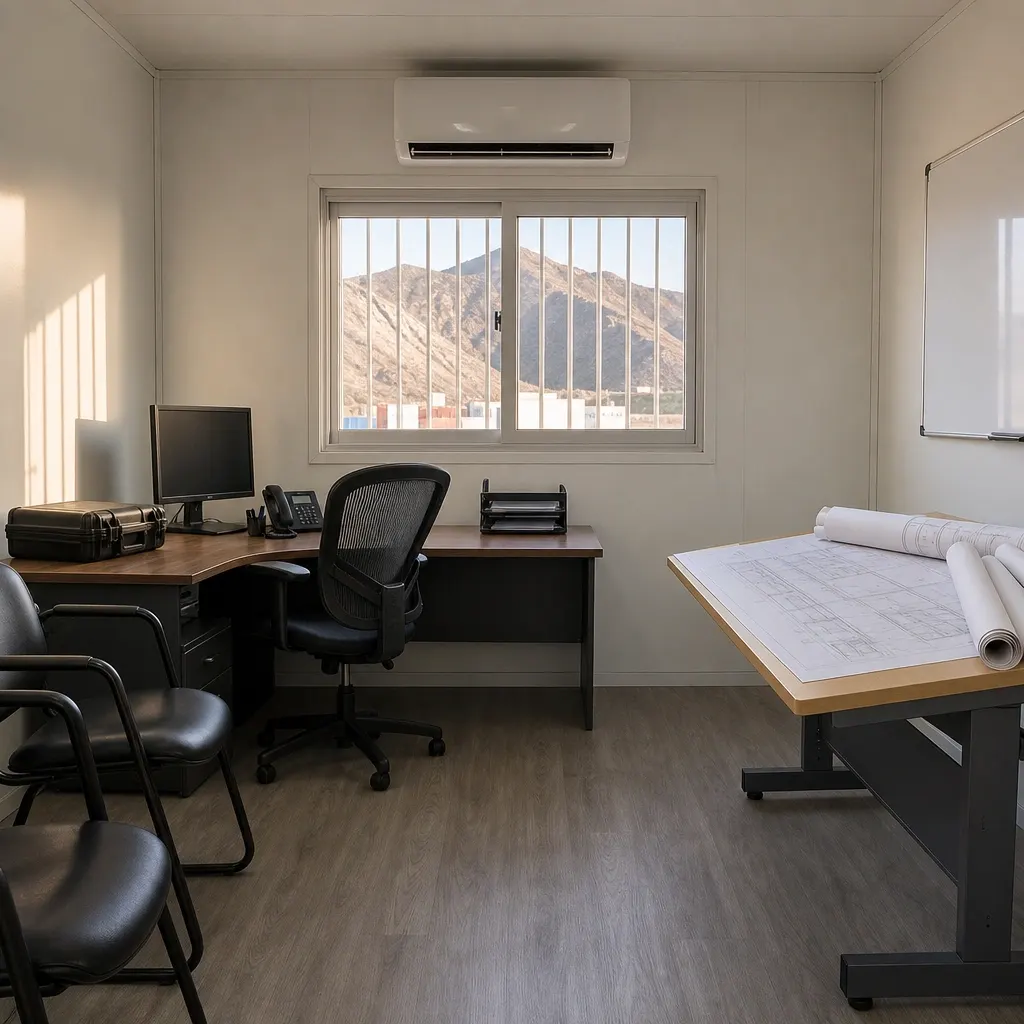
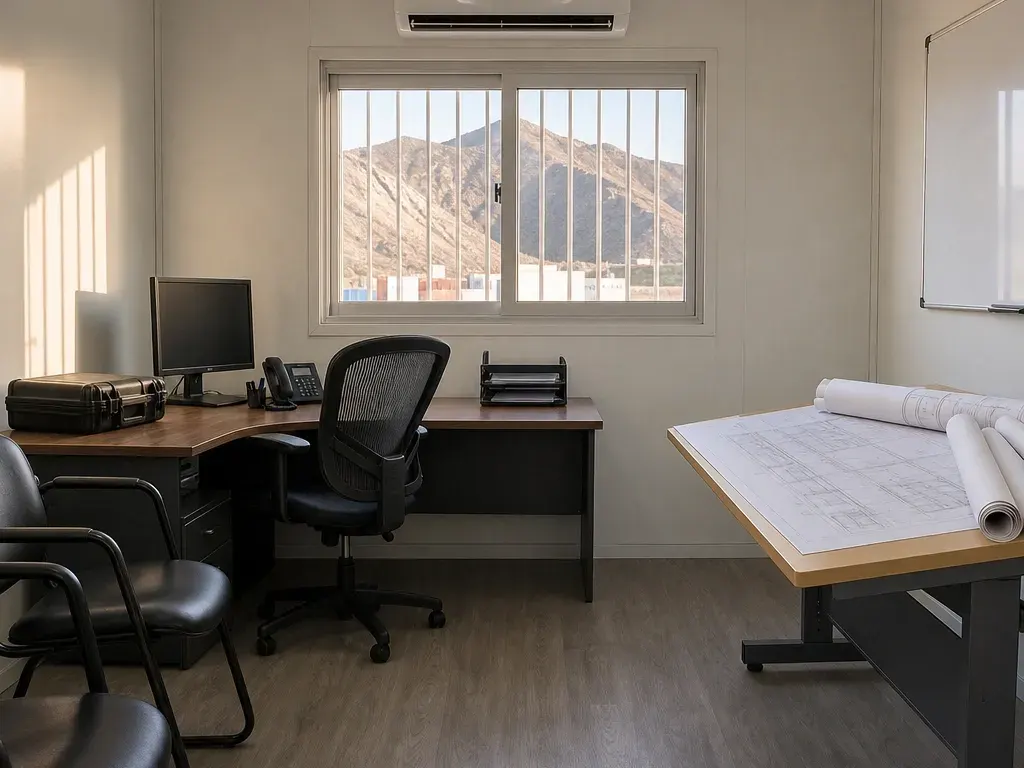
READY $125/mo
- Plan table, 2 chairs, whiteboard
- Mini-fridge, microwave
- 1,500 W heater
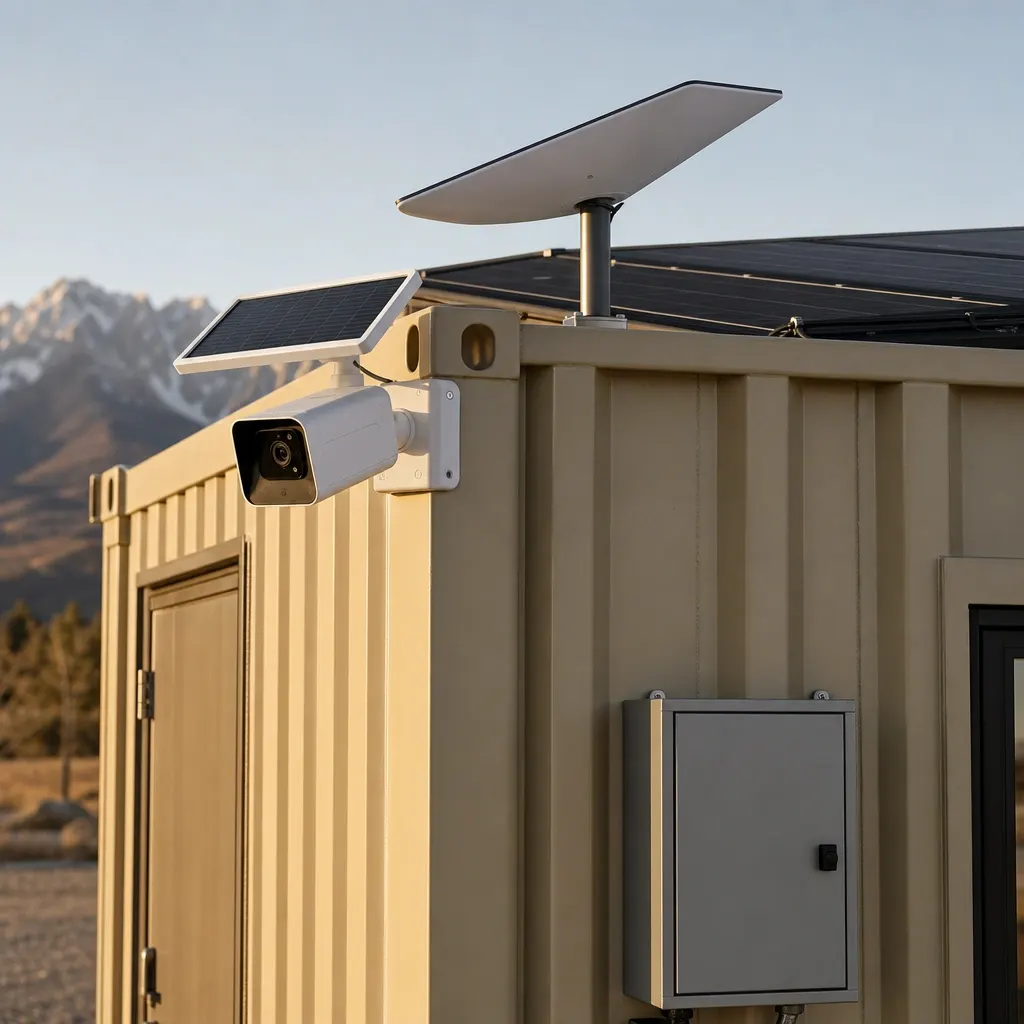
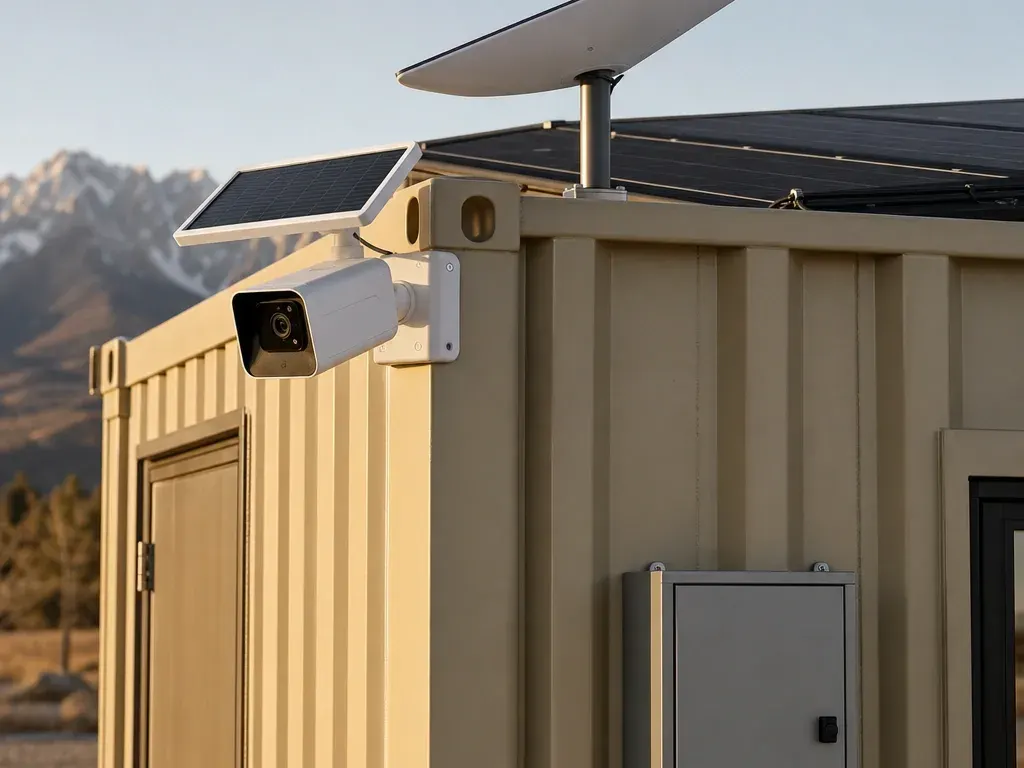
JOLT PACK $699/mo
- WATCH — Your site has eyes
- CONNECT — Starlink on the box
- POWER — Solar and battery, no generator


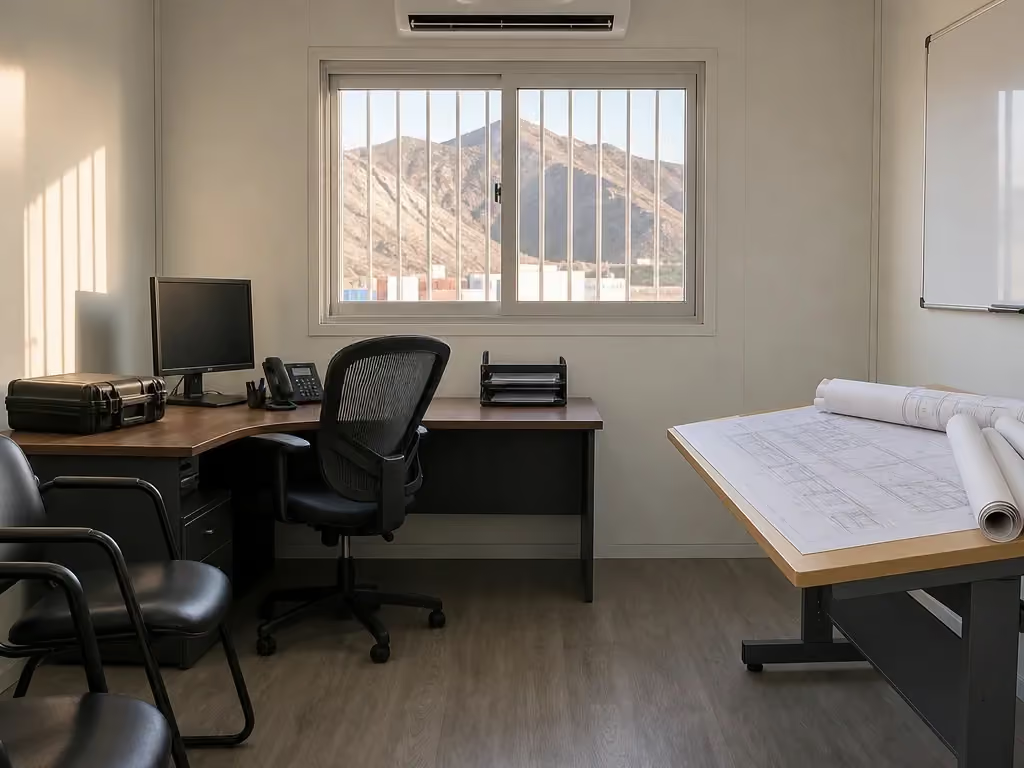


Upgrades stack on any office or storage container and bill monthly with the rent.
The POWER line is before tax. Rent and recurring upgrades form the base for the 12% damage waiver and the 5% environmental fee; the environmental fee does not compound on the waiver, and the deposit-plus-certificate-of-insurance alternative is described in the protection terms.
Billing begins on delivery rather than while the kit is being prepared at our yard in Gypsum. POWER appears on the same monthly invoice as the container, and its billing ends when our truck retrieves the unit and the installed hardware.
POWER is one upgrade, not the underlying container rent or transportation. Use published pricing to separate the unit, delivery zone, recurring options and protection lines before creating a purchase order, then follow how it works for reservation, yard fitting, placement and pickup.
Rates rise 5% on each anniversary of delivery. The right budget therefore starts with the expected rental period and the loads the crew actually needs, not with an assumption that solar replaces every electrical cost on the project.
What problem does POWER solve on site?
Temporary electricity and the field office do not always arrive in the same week. POWER gives the listed communications and desk loads a defined source while a Base office waits for shore power, or while a storage container supports coordination away from an electrical connection.
The practical gain is continuity for modest work. A superintendent can keep a laptop and phone charged, use the installed LED lights, and keep WATCH and CONNECT operating without treating a generator as the only answer for those loads. The crew can read current plans, send reports and maintain a view of the approach even when the utility schedule is behind mobilization.
Mountain placements make load discipline important. Short winter days, storms, tree cover, cut banks and snow on the panels can reduce solar production. A system selected from an average sunny day can disappoint when the placement is shaded at the beginning or end of the shift, so walk the location before our truck rolls.
POWER is sized for Starlink, the WATCH camera, LED lights, laptops and phones for about two days with no sun, with those loads only. That statement is conditional: adding other devices, leaving loads running longer or beginning with less stored energy changes the duration, and there is no promise that every site will get the same result.
The two-day measure is useful as a planning boundary rather than permission to stop managing energy. Assign someone to know what is connected, close laptops when they are not needed and remove unapproved loads. If the project cannot tolerate an interruption, keep an appropriate shore-power or other site-power plan rather than relying on a duration estimate.
For a fuller load discussion, use the off-grid solar and battery guide. The shorter jobsite office power answer helps separate shore power, a light-load battery system and a Grid-Free office whose integrated battery runs HVAC.
What is in the kit, and what stays out?
POWER includes two 400 W solar panels mounted on a roof rack, a 3 kWh LFP battery and an inverter. Those are the complete published equipment facts; the assigned unit and installation are confirmed at reservation rather than inferred from a photograph or another project.
The panels collect available solar energy, the battery stores energy and the inverter makes that stored energy useful to the supported loads. Each part has a different job, which is why panel exposure, battery state and demand all matter. More sunshine cannot make an unsupported appliance appropriate, and stored energy does not turn the system into temporary utility service.
The supported list is narrow on purpose: Starlink, the WATCH camera, installed LED lights, laptops and phones. It covers communications, remote observation, room lighting and ordinary desk electronics. If a proposed device is not on that list, confirm it for the assigned unit at reservation instead of assuming that a plug means the system can carry it.
POWER does not run the office mini-split. It also does not run power tools, compressors or heaters, including the 1,500 W heater and microwave in READY. Those loads need shore power or another suitable site source; POWER cannot be used to turn the furnished package into an independently powered break room.
This distinction matters on a cold morning. Battery power for a laptop and Starlink does not mean heat is available, and a charged system does not authorize the crew to connect a space heater. Plan room temperature through the office tier and its proper power source before planning electronics.
POWER is also not the battery arrangement built into the Grid-Free 20 ft office. Grid-Free has a 10 kWh battery pack that runs its HVAC and already includes WATCH, CONNECT and POWER. Adding the standard kit to Base does not create that tier or enlarge its battery.
The hardware is rented. It remains JOLT's property under section 13 of the Rental Agreement Terms, stays mounted to the unit during ordinary use and returns with the container. Do not treat the panels, battery, inverter or mounting parts as materials available for another trailer or site circuit.
Which offices and storage containers take POWER?
POWER can be added to the 20 ft Base office, the 40 ft office with bathroom, and the 10, 12, 20 and 40 ft storage sizes. Grid-Free and Alpine already include it. It does not fit temporary fence, light towers, ground heaters, traffic control or hand-wash stations.
| Unit | POWER | Selection note |
|---|---|---|
| 20 ft office — Base | Add | Light loads only |
| 20 ft office — Alpine | Included | Integrated system runs HVAC |
| 20 ft office — Grid-Free | Included | Integrated system runs HVAC |
| 40 ft office with bathroom | Add | Light loads only |
| 10, 12, 20 and 40 ft storage | Add | Does not change the interior |
| Fence and equipment | Not available | Container upgrades do not fit |
Base is the straightforward choice when shore power exists or is scheduled and the crew needs a bridge for communications and desk work. Adding POWER does not change Base's doors, windows, HVAC or requirement for proper utility connection; it adds the listed light-load system.
Alpine follows the Grid-Free rule. Its mountain envelope and backup heat accompany built-in POWER and a 10 kWh battery that runs HVAC, so another POWER line cannot be added.
The 40 ft office with bathroom accepts POWER, but water and sewer remain the customer's responsibility and the battery does not serve those site connections. The crew should plan utility work and light-load continuity as separate scopes.
All storage sizes accept the kit. On a 20 ft storage container, POWER can support WATCH, CONNECT and the other listed loads, but it does not add office finishes, furniture or HVAC. Choose the box for storage first, then decide whether its location needs power for observation or communications.
Grid-Free already includes WATCH, CONNECT and POWER, so do not order another base POWER line on it. READY, a second camera and unlimited Starlink remain available additions. The JOLT Pack likewise does not belong on Grid-Free because its three systems are already built in.
How is POWER fitted, cared for and returned?
We fit POWER at our yard in Gypsum before our truck leaves with the container. That sequence keeps roof work and system fitting out of an active work area and lets the selected container arrive with its light-load power arrangement attached.
Choose POWER during reservation whenever possible, and explain the planned placement and loads. If the requirement appears after delivery, we can arrange a later addition during the active rental; JOLT coordinates the work for the actual unit and site.
The customer may not move, remove or disable JOLT cameras, telematics or upgrade hardware. Cutting, drilling, painting and unauthorized utility connections are also prohibited under the use rules. Those limits protect the container and keep a site improvisation from becoming an unsafe or unserviceable installation.
The customer must keep snow, ice and debris off roofs, panels, doors and access paths. Make that work part of the storm plan rather than waiting until communications stop. Use a method appropriate to the installed equipment and contact JOLT before doing anything that could disturb its mounting.
Good placement remains the first control. Avoid putting the panel area under a roof edge, persistent tree shade or a location where another container or future material pile will block exposure. Keep the access route open for service and eventual pickup as the site changes.
The damage waiver does not cover upgrade hardware beyond ordinary wear. Theft, vandalism, unauthorized relocation and snow-load neglect are also excluded from waiver protection under section 12. From delivery until retrieval, the customer should control access and report damage rather than attempting repairs.
At closeout, leave the panels, rack, battery, inverter and other JOLT equipment with the unit. Clear customer property, snow and obstructions so our truck can retrieve the container. Billing continues through retrieval, and JOLT removes or prepares the rented hardware after the unit returns to the yard.
What does performance depend on?
Solar production depends on sun exposure, weather, season, shade and whether snow or debris covers the panels. Battery duration depends on stored energy and every connected load. Those variables are why the supported-load statement and the conditional two-day estimate have to travel together.
CONNECT also needs a useful view of the sky, third-party satellite service and power. WATCH needs LTE coverage for remote features and solar exposure for charging. POWER can support both, but it cannot improve the cellular network or remove a physical obstruction from the satellite view.
JOLT does not guarantee uptime, speed, coverage or capacity and gives no credit for interruptions. Section 13 governs these service limits, hardware ownership, access and return. A critical operation should have a contingency suitable for the consequences of an interruption.
Use the site walk to inspect the southern exposure without making a claim from compass direction alone, because terrain and structures still control actual sun. Look for tree lines, walls, future lifts, stacked material and drifting snow. Recheck the placement as the project advances rather than assuming conditions remain fixed.
Load changes deserve the same discipline. A new printer, appliance, charging bank or tool may look small beside construction equipment but still falls outside the supported list. Confirm it for the assigned unit at reservation instead of testing system limits after delivery.
If WATCH is also installed, the customer is responsible for notices, signage and consents required for recording at the site. POWER keeps the camera among its supported loads, but it does not change who handles privacy and recording obligations.
When should you choose another path?
Do not choose POWER when the primary requirement is heating or cooling an office without shore power. Choose Grid-Free or Alpine when the mini-split must operate away from a hookup; each tier's integrated 10 kWh battery is designed to run HVAC, and WATCH, CONNECT and POWER are already included.
Do not choose POWER to operate tools, compressors or heaters. Use an appropriate site-power source selected for that equipment. The standard battery is not a substitute for the project's temporary electrical distribution, and adding CONNECT or WATCH does not expand what it can run.
If reliable shore power is already live and the crew only needs internet, choose CONNECT. If the sole problem is remote observation, choose WATCH. Buying only the system that solves the missing function keeps the order legible and avoids mounting equipment that has no job.
Choose the JOLT Pack when the same Base, 40 ft office or storage container needs WATCH, CONNECT and POWER together. Choose POWER alone when the supported electrical loads are the gap and the site already has its own camera or connectivity plan.
READY is separate. Add READY when the crew needs a plan table, two chairs, whiteboard, mini-fridge, microwave and backup heater, but provide a suitable power source for its appliances and heater. POWER does not carry those loads.
Before reserving, write down each device that must work, whether HVAC is required, where the unit will sit and what happens if service pauses. Then reserve the unit and upgrade with the actual job ZIP, or select a different office tier when the load list shows that standard POWER is not the right system.
Questions contractors ask
How much does the POWER upgrade cost?
POWER costs $399/mo before tax and bills monthly with the container rent. The 12% damage waiver and 5% environmental fee apply to rent plus recurring upgrades.
Can POWER really operate for two days without sun?
It is sized for about two days without sun only when the loads are limited to Starlink, the WATCH camera, LED lights, laptops and phones. Weather, shade, battery state and actual use affect duration.
Will POWER run the office mini-split?
No. POWER does not run the mini-split, power tools, compressors or heaters; choose Grid-Free or Alpine when HVAC must run without shore power.
What equipment comes with POWER?
POWER includes two 400 W solar panels on a roof rack, a 3 kWh LFP battery and an inverter. The rented hardware remains JOLT property.
Can POWER support CONNECT and WATCH?
Yes. Starlink and the WATCH camera are among POWER's listed supported loads, along with LED lights, laptops and phones.
Which containers can take POWER?
POWER can be added to the 20 ft Base office, the 40 ft office with bathroom, and 10, 12, 20 and 40 ft storage containers. Grid-Free and Alpine already include POWER, WATCH and CONNECT.
Can POWER be added after delivery?
Yes, JOLT can arrange a later addition during an active rental. Do not move, remove or alter the installed equipment yourself.
Who keeps snow and ice off the solar panels?
The customer must keep snow, ice and debris off panels, roofs, doors and access paths. Solar output depends on exposure, weather, shade and the connected load.
Keep reading
- RentBase: the office that shows up and works
- RentGrid-Free: drop it anywhere. It runs itself.
- Rent20 ft storage container — $295/month, delivered
- UpgradeCONNECT: internet the day the box lands
- UpgradeThe JOLT Pack: eyes, internet, power. Save $88.
- GuideRun the field office before utility power reaches the site.
- AnswerPowering a jobsite office with no hookup: solar, battery, generator compared
- JOLTPrices. All of them.
Add POWER to any unit.
$399/mo · bills with the rent
A deposit holds your delivery window. Cancel free of charge more than 14 days before the first day of the window. Deposits from $85 are applied to your first invoice.